



Why Web Developers Are Still Debating Open Source HTML Editors

As a Product Marketing Manager at Froala, I often hear the same question:
Should developers choose open-source editors or invest in a premium, closed-source option?
With so many tools claiming to be the best HTML editors, the choice can feel overwhelming. It also affects everything—your workflow, development speed, and the long-term success of your projects.
In this article, I’ll break down the real differences between open-source HTML editors and closed-source alternatives like Froala. More importantly, I’ll explain why a reliable, well-supported editor can save time, reduce problems, and make your development process smoother and more productive.
Key Takeaways
- Open source editors offer flexibility but often come with hidden long-term costs like inconsistent support and complex maintenance.
- Closed-source editors like Froala provide dedicated support, regular updates, and enterprise-grade reliability.
- Froala’s feature-rich environment boosts productivity with live preview, preprocessor support, and advanced plugins.
- Switching to Froala often leads to faster development, fewer bugs, and reduced dependency on external help.
- For scalable, professional projects, a closed-source HTML editor is a smart investment in efficiency and long-term success.
Understanding the Basics: HTML Editor vs. Code Editor vs. Text Editor

Before we jump into specifics, let’s clarify some terms that web developers and web designers frequently encounter:
HTML Editor
An HTML editor specializes in web development by providing features like live preview, syntax highlighting, and built-in support for HTML, CSS, and JavaScript. Many of these tools function as a WYSIWYG HTML editor, allowing you to see your changes exactly as they will appear in the browser. Popular examples include Adobe Dreamweaver and open-source options such as TinyMCE or CKEditor.
Code Editor
A code editor, like Sublime Text, is designed primarily for writing and editing code across various programming languages. They often lack the WYSIWYG features found in dedicated HTML editors but provide advanced editing capabilities.
Text Editor
Text editors like Notepad++ or Microsoft’s basic editor provide minimal functionality, focusing solely on plain text editing without specialized features for web design.
Benefits and Pitfalls of Open Source HTML Editors
Web developers often gravitate towards open source projects due to the perception of lower costs and community-driven development. These open source HTML editors, such as TinyMCE and CKEditor, can initially seem appealing:
Pros
- Free Access: You can download, modify, and distribute source code freely.
- Community Support: An active community of developers regularly contributes improvements, plugins, and documentation.
- Customization: The ability to fully customize the editor to meet specific requirements.
However, after working closely with web developers who have switched from open source to Froala, I’ve observed critical issues that often arise:
Cons
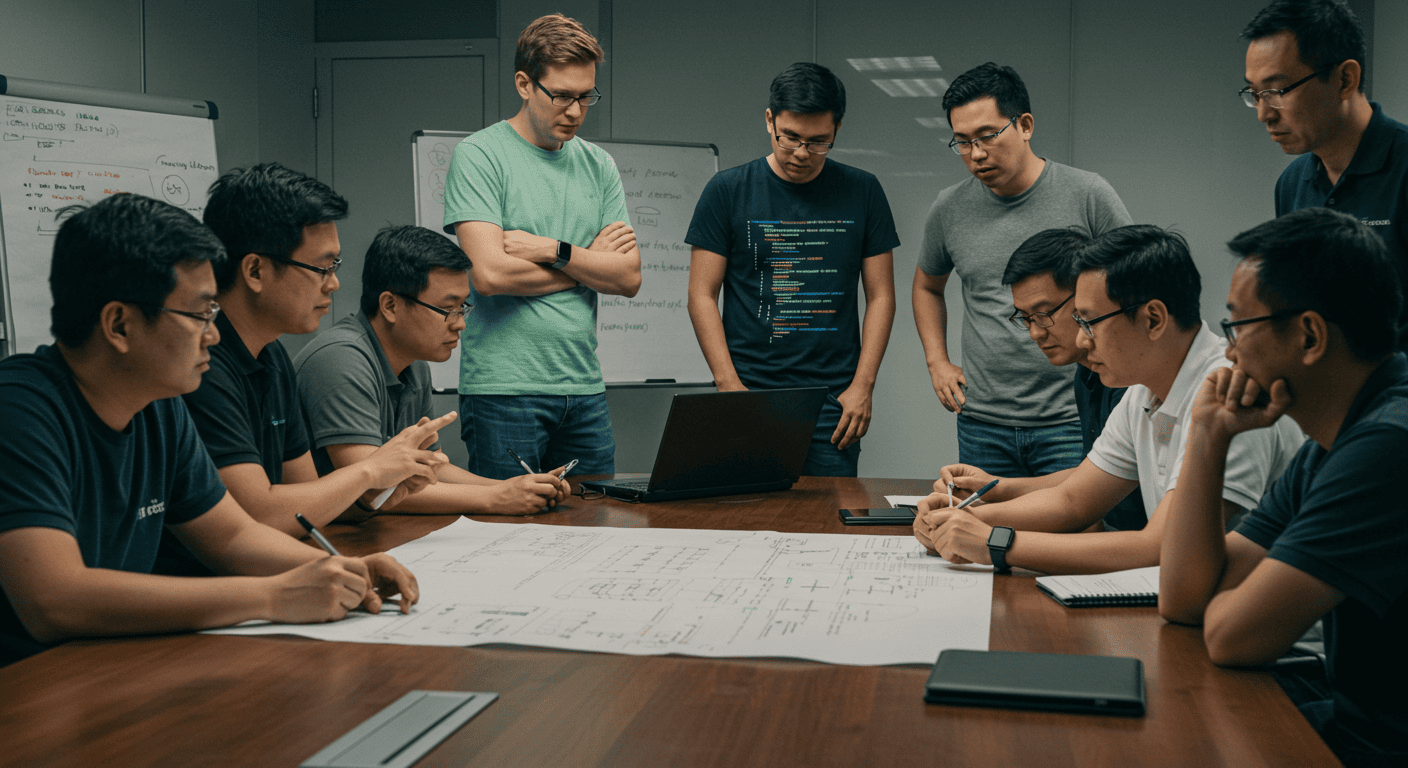
- Lack of Dedicated Support: Community-driven support can vary in quality and responsiveness. If you encounter a critical issue, waiting for community-based solutions can stall your web development process significantly.
- Inconsistent Updates: Some open source projects struggle with consistency, leading to delayed bug fixes and compatibility issues with modern browsers and programming languages.
- Complex Maintenance: Customizing open source projects to your workflow can become resource-intensive, requiring continuous updates and troubleshooting.
When Open Source HTML Editors Are the Better Choice
While closed-source editors like Froala are ideal for professional and enterprise environments, there are situations where open-source HTML editors can be the better fit. The key is matching the tool to the project’s goals and constraints.
Here are a few scenarios where open source editors make sense:
1. Small or Hobby Projects with Limited Budgets
If you’re building a personal project, a prototype, or a small website with minimal long-term maintenance needs, open source editors like TinyMCE or CKEditor can be sufficient. In these cases, the free access and basic WYSIWYG functionality may outweigh the need for dedicated support or advanced features.
2. Teams with Strong In-House Engineering Resources
Organizations with experienced front-end teams may prefer open source tools because they have the expertise to customize the editor, manage updates, and troubleshoot issues internally. When engineering time is readily available, the flexibility of open source can be an advantage.
3. Highly Customized or Experimental Use Cases
Some projects require deep customization or experimentation beyond standard editor workflows. Open source HTML editors allow full access to the source code, making them suitable for research projects, internal tools, or highly specialized workflows where stability and long-term support are less critical.
That said, as projects grow in complexity, scale, or business impact, many teams eventually transition to a closed-source editor to reduce maintenance overhead and ensure long-term reliability.
Why Closed-Source HTML Editors Like Froala Excel
As someone responsible for product marketing at Froala, I’ve seen firsthand why front-end developers consistently choose a premium, closed-source WYSIWYG HTML editor—especially when they’re searching for the best HTML editors for professional, scalable projects. Here are several compelling reasons:
Reliability and Dedicated Support
Closed-source editors like Froala provide reliable, timely, and professional support. Unlike community forums that can leave you hanging, Froala’s dedicated support team resolves your issues promptly, ensuring minimal disruption to your web development workflow.
Consistent and Regular Updates
At Froala, we regularly release updates to ensure our editor remains compatible with the latest web standards, browsers, and frameworks. This consistency prevents many common headaches associated with the unpredictable update cycles of open source alternatives.
Feature Rich Functionality
Froala comes loaded with features specifically tailored to optimize your web development process, including:
- Live Preview: Instantly visualize changes directly within the editor.
- Preprocessor Support: Effortlessly manage your CSS files and HTML CSS integration.
- Advanced Plugins: Customize and extend Froala’s functionality with robust plugins designed to simplify integration into your existing projects.
User-Friendly Interface and Experience
We carefully designed Froala to improve both beginner and experienced developers’ productivity, offering intuitive interfaces and robust features that enhance your ability to write, edit, and manage your website effortlessly.
Open Source vs. Froala: A Clear Comparison
Many developers understand the general differences between open-source and closed-source editors, but seeing those differences side-by-side often makes the decision much clearer. The table below highlights how open-source HTML editors compare to a professionally supported, closed-source solution like Froala.
Comparison Table: Open Source Editors vs. Froala
| Criteria | Open Source Editors | Froala (Closed Source) |
| Cost | Free but high maintenance cost | Paid, predictable |
| Support | Community-based | Dedicated support team |
| Updates | Irregular, volunteer-driven | Frequent, tested, and reliable |
| Integration | Can be complex, may require custom work | Smooth, documented, and stable |
| Reliability | Varies by project and contributors | Enterprise-grade consistency |
Evaluating Open Source Alternatives: A Reality Check
When evaluating open source editors, web developers often overlook long-term costs associated with:
- Maintenance: Managing and customizing source code takes significant time and resources.
- Integration Complexity: Integrating open source tools into complex web applications can result in unplanned costs and delayed development cycles.
Compared to Froala, open source editors like TinyMCE often require considerable effort to integrate and maintain, especially at scale or within enterprise-level web projects. The hidden costs can quickly offset the initially attractive price tag of being “free.”
Case Study: Transitioning from Open Source to Froala
I’ve witnessed many organizations transitioning from open source editors to Froala, finding immediate benefits in efficiency, reliability, and productivity. For instance, web designers previously relying on editors frequently cite reasons for switching that include:
- Faster development times due to Froala’s intuitive WYSIWYG HTML interface.
- Reduced reliance on external community support and documentation, freeing up development teams to focus on project-specific innovations.
- Significant reductions in troubleshooting, bug fixes, and compatibility issues due to Froala’s robust testing and consistent update cycles.
Final Thoughts: Making the Right Choice for Your Web Development Workflow
Choosing the right editor is more than a feature comparison—it’s a long-term decision that affects speed, stability, and the overall success of your projects.
Open-source editors work well for hobby projects or highly custom setups. But when your team needs guaranteed uptime, reliable support, and a polished editing experience, a closed-source solution like Froala consistently delivers better results.
Froala offers the consistency, stability, and performance that modern web development demands. With regular updates, enterprise-grade support, and a smooth WYSIWYG experience, it helps teams move faster and avoid the hidden costs that often come with open-source tools.
If you want an editor that grows with your projects and supports you every step of the way, Froala is one of the best HTML editors you can invest in.
Explore Froala today and see how much easier professional web development can be.
FAQs
What is the best free HTML editor?
Some of the best free HTML editors include open-source options like TinyMCE, CKEditor, and Quill. They offer solid core features, basic WYSIWYG editing, and community-driven development. However, the free versions often come with limitations such as reduced plugin availability, fewer customization options, and less predictable support.
Is WYSIWYG open source?
Yes, several WYSIWYG HTML editors are open source. Popular examples include TinyMCE’s community edition, CKEditor 4, and Quill. These offer free access to source code, community plugins, and basic editing features. However, advanced functionality, enterprise plugins, and dedicated support are typically only available in paid or closed-source versions.
Is an open source HTML editor good for enterprise use?
It can be, but it depends on your requirements. Open-source editors work well for small projects and teams with the time and skills to handle customization, updates, and troubleshooting. For enterprise environments needing guaranteed uptime, reliable support, security compliance, and predictable release cycles, a closed-source editor like Froala is generally a better fit.
Although open-source editors appear free, teams often encounter hidden costs such as:
- Time spent on troubleshooting and debugging
- Delays caused by inconsistent updates or outdated versions
- Custom development is required for the missing features
- Security and compliance risks
- Integration challenges with modern frameworks
These hidden costs can quickly exceed the price of a premium editor.
How does Froala compare to TinyMCE or CKEditor?
Froala is known for its clean UI, faster performance, and highly polished WYSIWYG experience. Unlike TinyMCE or CKEditor, Froala offers:
- A more consistent update cycle
- Smaller, cleaner output code
- A modern, lightweight design
- Faster integration with React, Vue, Angular, and other frameworks
- Dedicated support, rather than community-based help
Many teams switch from TinyMCE or CKEditor to Froala when they need stability, enterprise features, and long-term maintainability.
Can I self-host Froala?
Yes. Froala can be fully self-hosted. You can host all JS, CSS, and plugin files on your own servers or CDN, giving you full control over deployment, security, and performance. This is a major advantage for enterprise teams with strict compliance requirements.
Do closed-source editors receive faster updates?
Generally, yes. Closed-source editors like Froala follow strict, predictable release cycles. They deliver faster bug fixes, security patches, and compatibility updates because a dedicated engineering team maintains them—not volunteers. This reliability is especially important for production environments and enterprise applications.






No comment yet, add your voice below!