



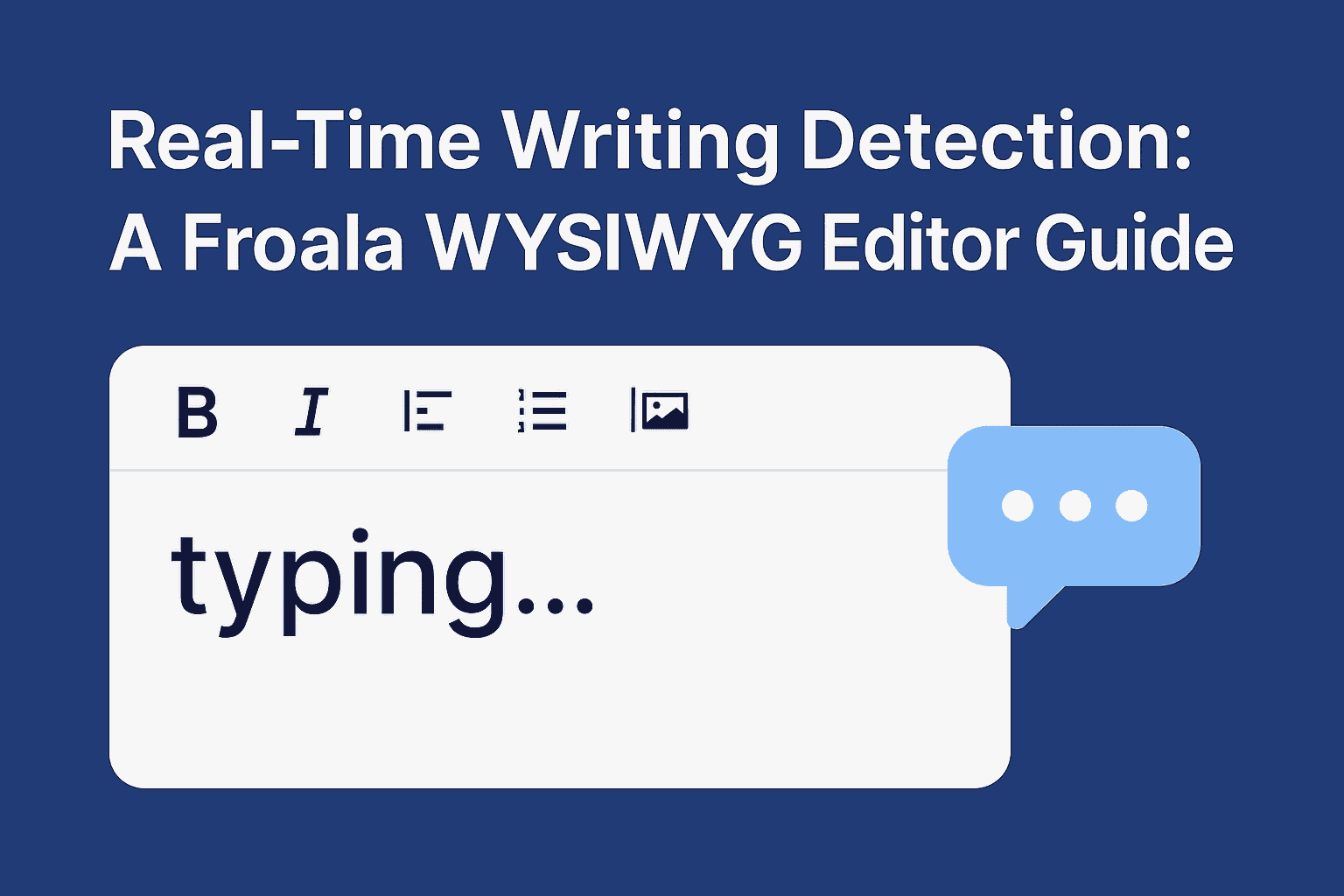
Real-Time Writing Detection: A Froala WYSIWYG Editor Guide
Every year, millions of users lose their work due to undetected writing sessions. Writing detection is revolutionizing the way we interact with digital content
In this comprehensive guide, we’ll dive deep into the world of writing detection using the Froala WYSIWYG editor. You’ll learn the fundamental concepts, explore practical use cases across various applications, and discover technical implementation strategies. From understanding the core principles to implementing advanced detection techniques, this article will equip developers and product managers with the knowledge to create more responsive and intuitive user interfaces.
Takeaways
You can use writing detection feature to:
- Enhance user experience through intelligent, context-aware interactions.
- Improves productivity and reduces user friction
- Creates more engaging and responsive digital environments
- It’s applicable across diverse platforms (chat apps, email, collaborative documents)
Understanding User Writing Detection
User writing detection aims to identify the precise moment a user begins to write. It’s a sophisticated approach to understanding and enhancing user interaction.
The core purpose of writing detection extends beyond simple tracking. It enables:
- Personalized user experiences
- Real-time collaborative features
- Intelligent content management
- Performance and engagement analytics
Use Cases
Writing detection finds applications across diverse digital platforms:
Content Creation Platforms
- Blogs and content management systems can automatically save drafts.
- Enable seamless collaborative editing across distributed teams
- Technical documentation tools can provide contextual assistance.
Communication Applications
- Chat Applications
- Implement real-time “typing” indicators
- Enable intelligent draft saving
- Suggest contextual responses
- Provide a seamless message composition experience.
- Email Interfaces
- Auto-save draft functionality
- Detect abandoned message composition
- Provide writing assistance
Professional Tools
- Learning management systems tracking student engagement
- Customer support platforms monitoring response times
- Code documentation tools analyzing writing patterns
Technical Implementation in Froala
Event Listeners
Froala provides multiple events to detect changes inside the editor, which can be crucial for content validation and writing detection:
- contentChanged Event
var editor = new FroalaEditor("div#froala-editor", {
    events: {
    'contentChanged': function () {
        // Detect when content is modified
       console.log('User started writing');
    }
  }
});
- input Event
var editor = new FroalaEditor("div#froala-editor", {
    events: {
    'input': function () {
       // Capture real-time input changes
       trackUserWriting();
    }
  }
});
While both events can help in detecting user writing, they have crucial differences:
contentChanged Event
- Triggers after the content in the editor has been modified
- Captures broader changes, including:
- Pasting content
- Deleting content
- Formatting modifications
- Drag-and-drop operations
- Less frequent, more performance-friendly
- Provides a comprehensive view of content alterations
input Event
- Fires immediately when the user types or modifies content
- Captures real-time, granular input changes
- Triggered for each keystroke or character insertion
Since input event is not triggered when content deleted, we will use the contentChanged event.
Detecting User Writing with Character Count
Froala provides a convenient charCounter.count method that can be used as an additional technique to detect when a user starts writing:
var editor = new FroalaEditor("div#froala-editor", {
    events: {
   'contentChanged': function () {
        // Check the number of characters in the editor
      const characterCount = editor.charCounter.count();
      if (characterCount > 0) {
        // User has started writing
         console.log('User is writing');
        // Trigger your writing detection logic
     }
    }
  }
});
Key Benefits:
- Simple and straightforward method
- Provides an immediate indicator of writing activity
- Works in conjunction with event listeners
- Helps distinguish between empty and populated editor states
By combining charCounter.count() with event listeners like input and contentChanged, developers can create a robust writing detection system that captures nuanced user interactions.
Using a flag to avoid multiple unnecessary method calls
Add a flag to determine if user writing is already detected. This approach ensures:
- Avoid multiple unnecessary method calls
- More efficient writing detection
- Clean state management for writing status
let isWriting = false;
var editor = new FroalaEditor('div#froala-editor', {
  events: {
    contentChanged: function () {
      // Check the number of characters in the editor
      const characterCount = editor.charCounter.count();

      if (characterCount > 0 && !isWriting) {
        // User has started writing
        isWriting = true;
        console.log('User is writing');
        // Trigger your writing detection logic
      } else if (characterCount === 0) {
        // Reset the flag when editor is empty
        isWriting = false;
      }
    },
  },
});
User Experience Improvements
Immediate Feedback Mechanisms
- Trigger auto-save when writing begins
- Provide spelling and grammar suggestions.
- Offer contextual writing assistance
Privacy Considerations
- Implement transparent tracking
- Give users control over interaction monitoring
- Clearly communicate data usage policies
Performance Best Practices
Optimization Strategies
- Use lightweight event handlers
- Minimize performance overhead
- Ensure cross-browser compatibility
Ethical Considerations: The Human Behind the Cursor
As writing technologies become more sophisticated, we must never forget the human element. Writing detection should feel like a supportive nudge, not an invasive surveillance mechanism.
While user activity tracking provides valuable insights, it must be balanced with respect for individual privacy. Transparency, user consent, and respect for privacy are paramount.
Designing for Trust
The best writing detection tools are those that feel invisible. They anticipate needs without feeling intrusive. They save work without demanding attention. They provide assistance without undermining the writer’s agency.
The Future of Digital Writing
Writing detection represents more than a technological milestone. It’s a testament to our growing understanding of how humans interact with digital spaces. It acknowledges that writing is an emotional, complex process—not just a mechanical task of inputting text.
As we move forward, these technologies will become more nuanced, more empathetic. They’ll understand not just when we’re writing, but how we’re feeling while we write.
Conclusion
Writing detection in WYSIWYG editors like Froala represents a sophisticated approach to understanding and enhancing user interaction. By implementing intelligent detection mechanisms, developers can create more responsive, intuitive, and user-friendly digital experiences.
Transform your application with cutting-edge writing detection and seamless user interaction. Whether you’re building a chat app, content management system, or collaborative platform, Froala provides the tools you need to create exceptional digital writing experiences. Download Froala WYSIWYG Editor Now
Frequently Asked Questions (FAQ)
What exactly is writing detection?
Writing detection is a technology that identifies when a user starts typing or modifying content in a digital editor, enabling responsive and intelligent user interfaces.
Why is writing detection important?
It enhances user experience by:
- Enabling auto-save features
- Providing real-time collaboration indicators
- Improving performance and engagement tracking
- Offering contextual assistance
Is writing detection invasive?
No, when implemented ethically. Good writing detection:
- Respects user privacy
- Provides transparent tracking
- Offers user control over data collection
- Focuses on improving user experience
How accurate is writing detection?
Since charCounter.count() is accurately returning the character count, writing detection can be highly precise.
Does writing detection work across different browsers?
Froala Editor and its events and methods are designed to be cross-browser compatible. Creating a writing detection feature using these events and methods should be cross-browser compatible, but thorough testing across different browsers and devices remains crucial.
The goal is to create a seamless, responsive writing experience that feels natural and intuitive, regardless of the user’s chosen platform.
Can writing detection be used in mobile applications?
Absolutely! Writing detection is crucial in mobile interfaces, helping to:
- Manage limited screen space
- Provide real-time feedback
- Optimize performance
- Enhance touch-based writing experiences
What are the performance implications?
When implemented correctly, writing detection has minimal performance impact. Best practices include:
- Using efficient event listeners
- Implementing debounce techniques
- Avoiding unnecessary computations
Can writing detection help with accessibility?
Yes, it can:
- Provide better support for assistive technologies
- Offer real-time feedback for users with different writing needs.
- Improve overall digital writing experiences





No comment yet, add your voice below!