






































































From Word to Froala in Seconds: Mastering Import from Word Plugin
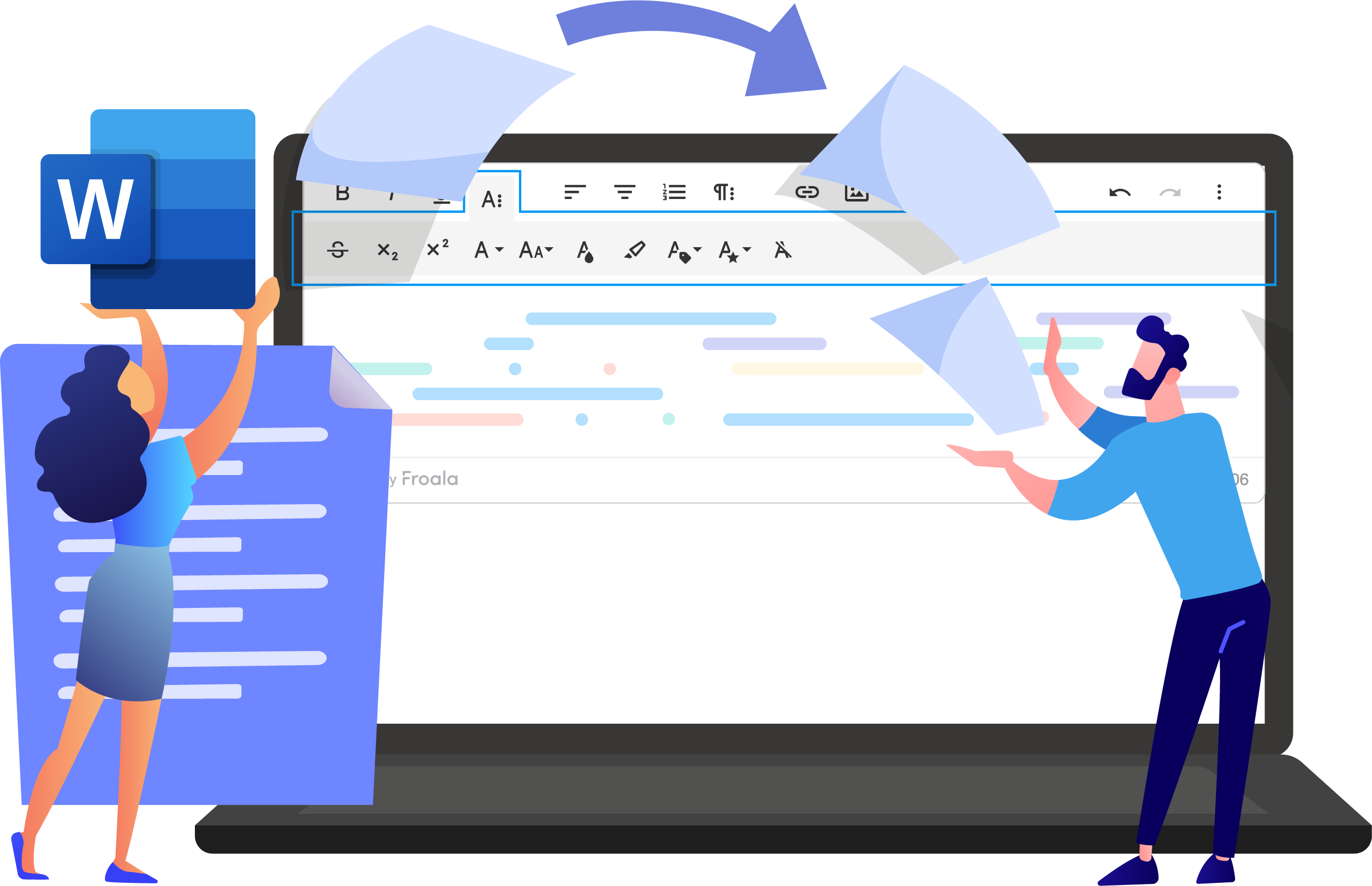
The Import from Word Plugin lets users drag .docx files directly into the Froala Editor while preserving formatting and structure.ย This comprehensive guide is designed for developers, content managers, and web administrators who want to master the Import from Word Plugin. Whether you’re integrating Froala into a new project or enhancing an existing content management […]
Comparing the Page Break Feature in Froala and TinyMCE Editors
Are you looking for the best rich text editor with a page break feature? Froala and TinyMCE, two leading rich text editors, handle this critical feature a bit differently. In this comparison, we’ll examine how each editor implements page breaks, evaluate their strengths and limitations, and help you determine which solution best fits your project […]
Froala V5.0.0 Release: Code Snippets, Word Imports, and More
Froala V5.0.0 introduces two major features: code snippet insertion with syntax highlighting, and direct Word document import with formatting preserved. This release also includes table handling improvements and updated styling defaults. Code Snippet Feature Overview The Code Snippet plugin adds syntax-highlighted code blocks to your editor. Supports JavaScript, Python, HTML, CSS, TypeScript, Java, C++, SQL, […]
Elevate Your Delphi Web Application with Seamless Rich Text Editing: Mastering Froala TMS Web Core Integration
As a Delphi developer, you know the importance of building modern, responsive web applications with a great user experience. The TMS WEB Core framework is a powerful tool for creating such apps, but what if you need a robust WYSIWYG (What-You-See-Is-What-You-Get) editor for your content management features? No worries, the TMS WEB Core framework has […]
Adding Rich Text Editor Support For Contact Form 7 WordPress Plugin
Would you like to allow users to submit formatted content through your Contact Form 7 forms instead of plain text? This guide explains step-by-step how you can integrate a rich-text editor for Contact Form 7 using the Froala WordPress content editor. What Is Contact Form 7? Contact Form 7 is one of the most popular […]
How to Control Font Size in Froala Editor: Complete Guide to Pixel-Precise Typography
Precise typography is fundamental to professional document design. Froala’s font sizing controls give you pixel-level accuracy and flexible unit options, ensuring your typography remains consistent and intentional across every page. From responsive layouts that adapt seamlessly to different screens, to accessible contrast ratios that meet accessibility standards, to maintaining visual harmony across devicesโFroala delivers the […]
Froala Anchor Plugin: A Practical Guide for Implementing In-Editor Navigation
In the world of web development, creating intuitive navigation experiences is crucial for user engagement and content accessibility. Froala’s Anchor Plugin emerges as a powerful solution for developers seeking to implement anchor-based navigation within their rich text editor. This comprehensive guide will walk you through everything you need to know about the Anchor Plugin, from […]
A Comprehensive Guide to Froalaโs Page Break Plugin
The Page Break Plugin, one of the three major features introduced in the 4.7 release, addresses a long-standing gap in document creation workflows. For years, users have requested the ability to insert page breaks similar to what they experience in Microsoft Word or Google Docs. This plugin delivers exactly that functionality, providing seamless integration with […]
Froala Editor 4.7.1: Cleaner HTML and Smooth Pasting
The 4.7.1 release focuses on the stability and reliability, tackling 15+ customer-reported issues behind the scenes. This release tightens up find-and-replace, cleans HTML output, and smooths copy-paste. All of this comes on the heels of 4.7.0โs game-changing featuresโAnchor text, Export to Word, and page breaks. Ready to see whatโs new? Seamless Support for the Latest […]
Save Time, Reduce Rework: Froalaโs Export to Word in action
In the fast-paced world of content creation, efficiency and compatibility are everything. Whether youโre a developer, content manager, or editor, the ability to seamlessly move your work from a rich text editor to a Word document can save hours of formatting and rework. Thatโs where Froalaโs Export to Word Plugin shines. Designed to bridge the […]
Froala 4.7 Release with Anchors, Page Breaks, and Word Export
You asked for anchor text, page breaks, and export to Word features. We listened and today we are excited to announce our long awaited release, Froala 4.7 is available for download. With advanced document organization features, your favorite rich text editor is now even more powerful allowing you to create documents with greater precision and […]
Mastering Froala Helpers for Device Detection, URL Safety, and More
When building advanced experiences with the Froala WYSIWYG Editor, developers often find themselves writing extra JavaScript to handle things like device detection, scroll behavior, or URL validation. But hereโs the good news โ Froala already provides a built-in solution for that: Helpers. Helpers are small, smart utilities bundled inside Froala that make your code cleaner, […]
Froala Shortcut Secrets That Supercharge Your Productivity
Imagine this: youโre writing, editing, and formatting text โ all flowing smoothly โ when suddenly you have to grab your mouse just to make text bold or insert a link. That small break? It disrupts your rhythm. Thatโs why keyboard shortcuts are pure magic. They keep users in their creative flow, transforming ordinary typing into […]
Extending Froala with an APA Website Citation Tool
Imagine typing a paragraph, the cursor blinking as you search for the perfect source. You pull up a webpage, draft your sentence, and then hit a wall: you need an APA citation, fast. You donโt want to leave your writing window or disrupt your flow. What if you could summon a perfect APA citation with […]
Step-by-Step Guide to Styling Froala Editor with Custom Skins and Icons
When building modern web applications, every detail of your UI mattersโincluding the editor your users interact with daily. Froalaโs WYSIWYG Editor is already known for its clean design and powerful features, but did you know you can take it even further? With customizable skins and icon packs, you can transform the editorโs look and feel […]
Discord-Inspired Spoiler! Spice Up Your Web Editor Content With Hidden Text
Modern editors arenโt just about bold and italic anymore โ theyโre about creating richer ways to format and present content. One modern feature youโve likely seen in forums, chat apps, and blogs is spoiler text: content thatโs hidden until a reader chooses to reveal it. Whether itโs for plot twists, quiz answers, or sensitive details, […]
What’s New in Froala 4.6.2: Powerful Table Functionality
We are excited to announce the release of Froala 4.6.2, which introduces new Table features. These features were highly requested by our users and we are thrilled to finally bring it to you. Moreover, this release comes with an enhanced Word Pasting Experience. Additionally, weโve made several other improvements to our powerful text editor. We […]
A Step-by-Step Guide to Froala WYSIWYG Editor PDF Export
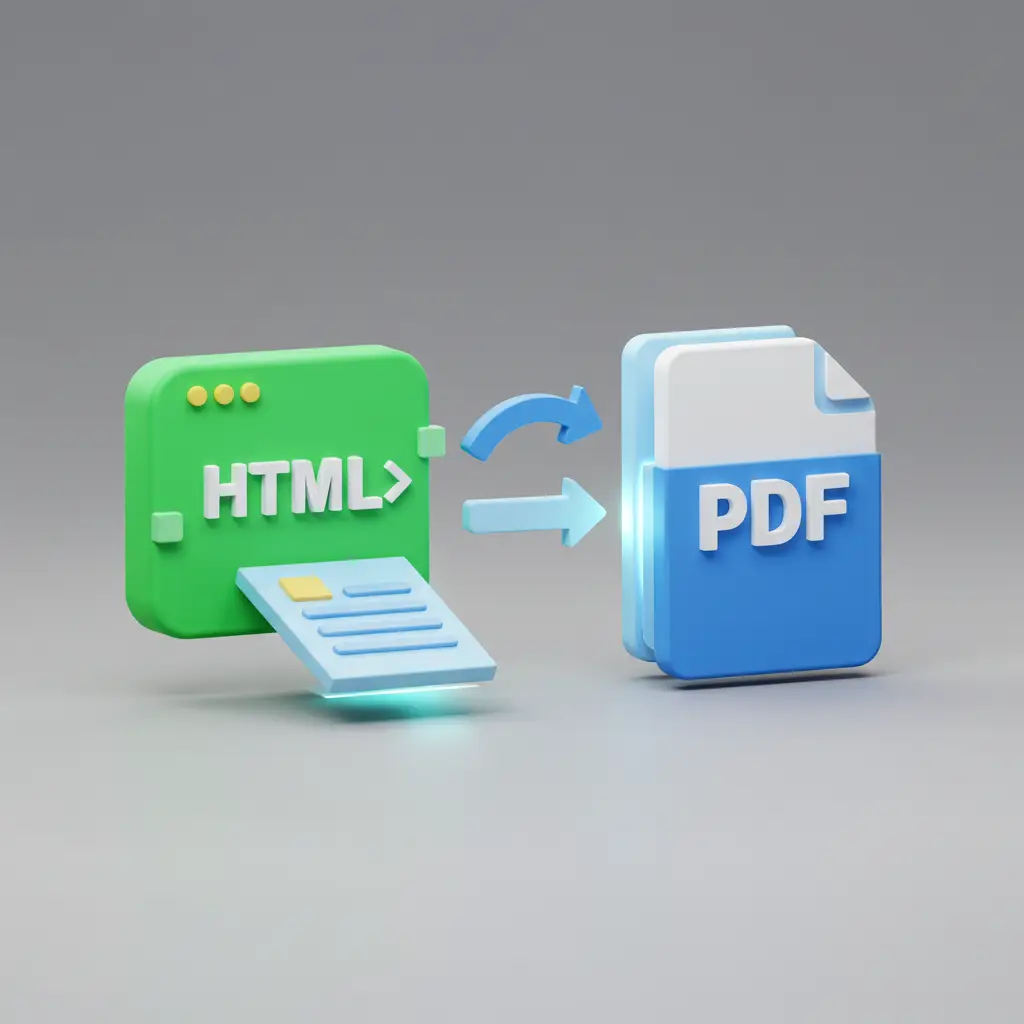
As a tech-savvy user or entry-level developer, you’re always on the lookout for tools that can streamline your workflow and enhance your productivity. Today, we’re excited to introduce you to the Froala WYSIWYG Editor and its powerful PDF export feature. Froala is a feature-rich, user-friendly text editor that allows you to create and format content […]
Why Froala RTE is A Premier Choice for Content Creation in 2025
As the demands on rich text editors (RTEs) continue to grow, organizations and individuals are seeking powerful yet flexible content creation tools that can keep pace with their evolving needs. According to a recent industry report, the rich text editors software market is expected to reach a valuation of $2.5 billion by 2033, reflecting the […]
Optimizing Vue Applications for HTML Code Writers: Initializing Froala Editor on Click
The Froala Vue WYSIWYG Editor is a powerful tool that allows developers to easily incorporate a rich text editing experience into their Vue.js applications. With its user-friendly interface and extensive customization options, the Froala html code writer provides a seamless editing experience for users. We have covered the integration process of Froala and Vue before. […]
Embedding Emotion: Emoji Integration with Froala Editor
Emojis have evolved from a niche Japanese communication tool to a global, universal language that transcends linguistic and cultural barriers. When strategically incorporated, these expressive icons can enhance professional communication by clarifying tone, conveying emotional nuance, and improving engagement. The Froala Editor’s Emoticons plugin provides a robust and customizable solution for seamlessly integrating these emotive […]
The Developer’s Ultimate Guide to Froala’s Find and Replace Plugin
In the world of web development and text editing, efficiency is key. Whether you’re managing large documents or simply trying to clean up text, having a robust find and replace functionality can save countless hours of manual editing. Enter Froala’s Find and Replace Plugin โ a powerful tool designed to streamline text manipulation and enhance […]
Building Robust Software with Froala HTML Editor: Understanding Its Modular Architecture
Imagine building a house using Lego bricks. Each brick has its own shape and function, but when connected, they form walls, rooms, and entire structures. Now, imagine being able to swap out one sectionโlike the kitchenโwithout tearing down the whole house. Thatโs the power of modular architecture in software development. In programming, modular architecture works […]
Froala 4.6.0: New Table Editing Features, React 19 Compatibility, and Find & Replace Plugin
Froala Editor 4.6 is here, and it’s packed with exciting new features that will elevate your content creation workflow. From advanced table editing capabilities to React 19 compatibility and the official release of the Find & Replace plugin, this update is a important for developers and content creators alike. Read on to discover the fantastic […]
Real-Time Writing Detection: A Froala WYSIWYG Editor Guide
Every year, millions of users lose their work due to undetected writing sessions. Writing detection is revolutionizing the way we interact with digital content In this comprehensive guide, we’ll dive deep into the world of writing detection using the Froala WYSIWYG editor. You’ll learn the fundamental concepts, explore practical use cases across various applications, and […]
5 Powerful Table Styles And How To Implement Them In Froala WYSIWYG Editor
Tables are a ubiquitous feature on the web, but their appearances can vary greatly. Some tables look visually unimpressive, while others display a polished, professional design. This article showcases popular and visually stunning table styles that developers can easily integrate as predefined layouts in the Froala WYSIWYG Editor. This simplifies table styling for users, enabling […]
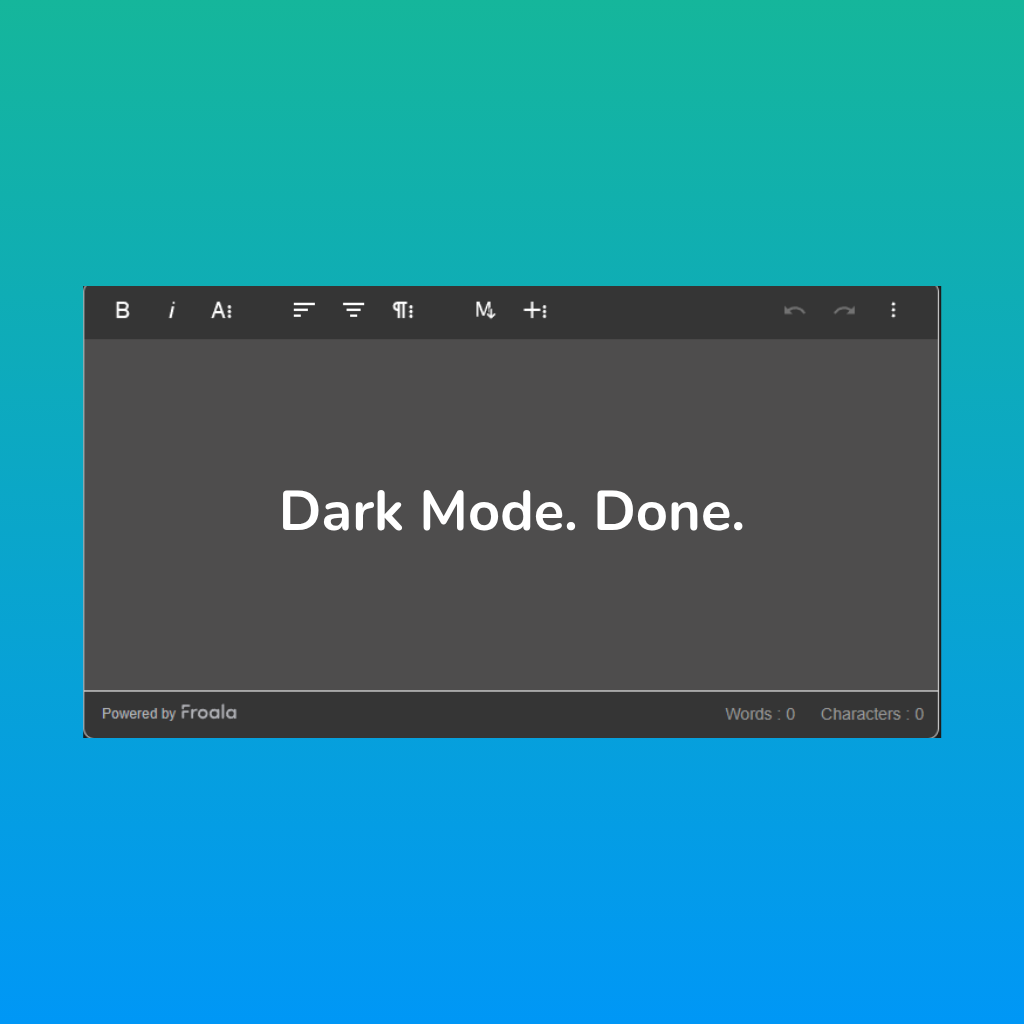
Setting Up and Customizing a Dark Mode in Froala Text Editor
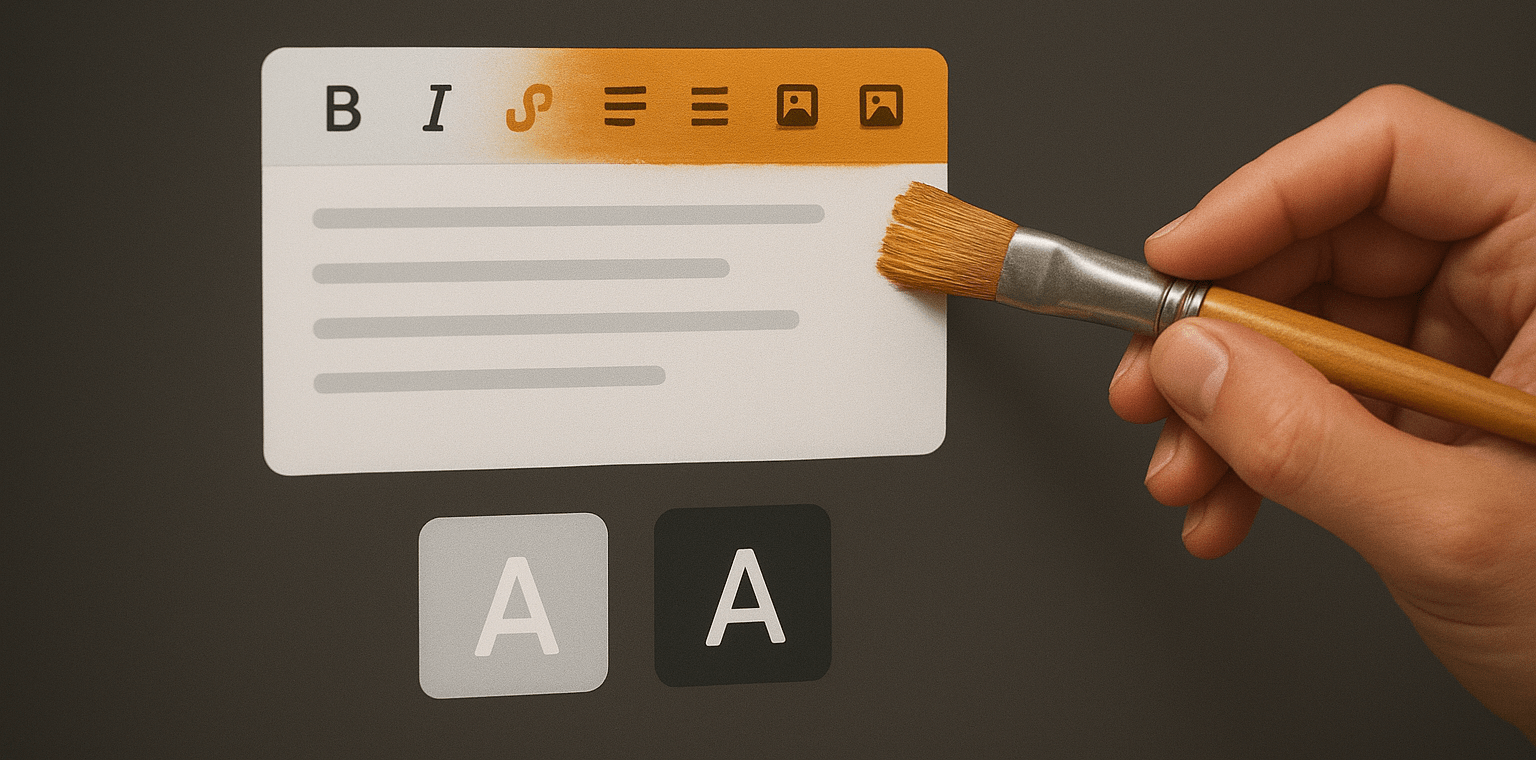
The demand for dark mode interfaces has been steadily rising in modern UI/UX design trends. Users actively seek out applications and tools that provide a visually pleasing and comfortable dark mode experience. Froala, a popular rich text editor, empowers developers to easily customize the user interface and experience, including a captivating dark mode option. Key […]
Three Ways For Uploading Images in Froala: Which One Should You Use?
As a developer, you understand the importance of seamless image uploads in WYSIWYG editors. Froala, a popular rich text editor, offers three distinct methods for handling image uploads. The right approach depends on your application’s requirements and the level of control you need over the image upload process. In this article, we’ll explore the pros […]
Inserting merge tags in the Froala editor is easy – find out how?
As a developer, you know the importance of creating engaging and personalized content for your users. One powerful way to achieve this is by leveraging merge tags – dynamic placeholders that can be replaced with unique information for each user or recipient. The Froala WYSIWYG editor provides seamless integration with the Tribute JavaScript library, allowing […]
Effortless Control Over Multiple Editors with Shared Toolbar
Are you tired of juggling multiple toolbars and switching between different editing interfaces just to manage your content? The solution may lie in the power of a shared toolbar – a centralized control hub that allows you to seamlessly manage content across multiple rich text editors on a single page. In this article, we’ll explore […]
Introducing Froala 4.5.2: Now with Find & Replace, Enhanced Colors, and More
Froala 4.5.2 is now available, introducing the long-awaited Find & Replace plugin (beta), expanded alpha color support, and a series of critical usability fixes. This update enhances editing flexibility while preparing the foundation for future stable features. Dive into whatโs new, test the beta plugin, and help shape the next release by sharing your feedback. […]
How Froala Can Assist In Building an AI SEO Writerย
Are you interested in building AI (artificial intelligence) writing tools? These AI-powered applications have seen a surge in popularity in recent years, allowing users to generate content, optimize it for search engines, and even personalize it for specific audiences. One example of these AI article writer tools is Arvow. In this case study, we’ll explore […]
Easily Add Powerful Table Sorting with DataTables Plugin
Introduction to the Froala Editor Integration Do you find the Froala editor the perfect rich text editor for your project, but require robust table sorting capabilities? No problem! The Froala editor is a highly extensible WYSIWYG HTML editor, making it remarkably easy for developers to add the specific table sorting functionality you need using a […]
Froala Editor V4.5.1: Enhanced Filestack, Styling Non-editable Content, and More
We are excited to announce the release of Froala Editor 4.5.1. This version includes several new features and improvements, such as enhanced performance, bug fixes, and new customization options. Users can now enjoy a more seamless editing experience with increased stability and efficiency. By upgrading to Froala Editor V4.5.1, users will benefit from using the […]
Add Multilingual Translation to Froala with Translate Plus API from APILayer
Modern apps need to work for users everywhere. If youโre building tools like chat apps or collaborative editors, language barriers can quickly get in the way. People want to read, write, and communicate in their own language โ without copying text into external translators. Thatโs why adding a Multilingual Translation API directly into your editor […]
Step-by-step Guide To Add a Custom Export from Markdown Button to Froala
The Froala Markdown feature allows users to write content using a simplified markup language that is easy to read and write. This feature is important because it enables users to format their text with headings, lists, links, and other elements quickly, without needing to use complex HTML tags. Markdown’s simplicity also boosts productivity, making it […]
Froala vs. TinyMCE: Which Is the Best WYSIWYG Editor?
If you need to add a rich-text editing feature to your product, youโve probably come across two major contenders: TinyMCE and Froala. You may wonder which solution is the best choice for your project. To make the right decision, you need to compare many aspects, like key features, performance, customization options, and pricing. This article […]
Froala Editor V4.5: Disable Plugins, Excel Paste, & New Features!
As a top-rated WYSIWYG editor, Froala is dedicated to consistently delivering innovative features that elevate the content creation experience for our users. Today, we’re thrilled to unveil the latest version of our powerful editor – Froala Editor V4.5. This release includes several exciting new features that enhance the user experience and provide greater flexibility. Imagine […]
Integrating Froala HTML Editor Software in Angular 19 With SSR Enabled
Froala has recently upgraded its Angular SDK to support Angular 19. With this update, developers can now integrate the Froala WYSIWYG Editor into their Angular 19 applications with server-side rendering (SSR) enabled. This allows for improved performance, better SEO, and enhanced user experience. The updated SDK provides a seamless integration process, making it easier for […]
Set Up a Custom Visual HTML Text Editor in 5 Easy Steps with a No-Code Tool
Setting up a custom WYSIWYG HTML text editor can seem challenging, especially if youโre not comfortable with coding. Many users want their editor to match their workflow, design, and feature needsโbut creating one from scratch often feels too complex. With Froalaโs Customizer tool, however, you can build a tailored editor in just a few clicks, […]
Integrating Froala as a Functional Component in React 18
As a React developer, choosing the right rich text editor can make or break your content editing experience. In this guide, youโll learn how to integrate Froala, a powerful and lightweight React rich text editor, into your React 18 application as a functional component. With full support in Froala v4.4, setting up and customizing the […]
How to add Froala HTML Editor Software in Django in 2025
Django is a powerful Python web framework that helps developers build web applications quickly and efficiently. Froala 4.4 release adds support for the popular Python framework, Django 5. Integrating Froala HTML Editor Software into a Django project allows users to create and edit rich text content within the application. By combining the flexibility of Froala […]
Froala 4.4: Empowering Developers with New Advancements
We’re thrilled to announce the release of Froala WYSIWYG Editor version 4.4, a milestone that demonstrates our commitment to delivering cutting-edge solutions for developers and Froala customers alike. This release is packed with a host of exciting updates, enhancements, and bug fixes that are sure to elevate your content creation and management experience. Froala SDKs […]
HTML Code Writer with Iframe Isolation and How to Inject Styles
Looking to seamlessly integrate a rich text editor into your web application without disrupting your existing design or compromising security? Leveraging the power of iframes, the Froala WYSIWYG editor offers a robust solution for achieving just that. This approach provides a clean, isolated environment for the editor, preventing style conflicts and potential security vulnerabilities. This […]
Froala’s Best Innovative Approach to Styling JavaScript WYSIWYG Editor Tables
Tables are best used in JavaScript WYSIWYG Editors. They help us organize data, highlight important information, and present content in a clear, structured way. However, styling these tables has long been a frustrating challenge for non-technical users. Froala came up with an innovative approach to table styling, giving developers the ability to create ready visually […]
Elevate Your Froala File Uploads: Harnessing Filestack’s Robust Event System
Filestack doesn’t just offer a reliable file uploading solution – it empowers you to craft a truly exceptional user experience. By harnessing Filestack’s robust event system, you can take control of every step of the file upload process and delight your users like never before. The Filestack events allow developers to handle different scenarios, such […]
Customizing Filestack File Picker: the New Froala File Uploading Option โ Part 2
Imagine a JavaScript tool – where it can effortlessly handle upload, store, and process your files with a few lines of code. That’s the power of Filestack, a file management tool that has processed over 1 billion files and counting. Filestack now has official integration with Froala, offering many customization options that allow developers to […]
Froala 4.3.1: Improved Pasting and Enhanced Content Creation
Weโre thrilled to announce Froala Editor 4.3.1 with impressive improvements to the content pasting process, enhancements to the lists plugin, and fixes for reported customer issues. At Froala, we’re committed to delivering the best possible user experience. That’s why we maintain an ongoing feedback loop with our users, ensuring that we’re addressing your top-requested features […]
Customizing Filestack File Picker: the New Froala File Uploading Option – Part 1
Froala, a popular rich text editor, just got even better with its latest update. Froala V4.3+ now supports the Filestack File Picker as a new option for uploading images, videos, and files. The Filestack File Picker offers a user-friendly interface that improves the uploading file experience. By integrating Filestack, Froala users can now leverage its […]
Explore The Transformation Options within The Froala New File Uploading Tool
Tired of the same old image editing options in your content editor? Get ready to unlock a new world of creative possibilities with Froala’s latest file-uploading feature! Froala integrated Filestack to bring you a powerful, user-friendly file uploader that goes way beyond basic image cropping and resizing. With the Filestack integration, you can now transform […]
Uploading Files to Dropbox in Angular Rich Text Editor with Froala
Dropbox is a popular cloud storage service allowing users to securely store and share files. Integrating Dropbox with an Angular rich text editor, such as Froala, can enhance the user experience by enabling seamless file uploads directly from the editor. This integration can be achieved by leveraging a service like Filestack, which provides a user-friendly […]
Integrating Google Cloud Storage in Vue.js Rich Text Editor with Froala
As businesses continue to embrace the power of cloud computing, the need to effortlessly manage and store files has become paramount. If you’re a Vue.js developer working with the Froala rich-text editor, you may have encountered the challenge of implementing a file-uploading process that seamlessly integrates with Google Cloud Storage. Fortunately, the latest version of […]
React Rich-Text Editor with Advanced Images and Cloud Storage
Rich-text editor is a crucial component that allows your users to seamlessly add and edit content. But have you ever found the process of integrating image uploads and storage to be a complex and time-consuming task? Rich-text editors are undoubtedly popular, but the ability to easily insert and display images is often a pain point. […]
Why Froala WYSIWYG HTML Editor Is The Best Lexical Alternative
Key Takeaways Lexical is an extensible headless text editor framework, meaning we need to build the user interface ourselves. It has a limited number of ready-made features, though it is simple, lightweight, and offers the permissive MIT license. In contrast, Froala is a powerful WYSIWYG HTML editor with a wide range of basic and advanced […]
Froala 4.3: Advanced Image & Video Upload and Transformation Features
We are super excited to announce the latest and greatest milestone update for our WYSIWYG HTML Editor. Froala Editor V4.3 introduces integration with the powerful file upload and management platform, Filestack. This integration made by the new Filestack plugin offers a more reliable and faster file-uploading process. Moreover, it offers numerous file transformations all can […]
Explore Froala Lists Plugin Setup, Options, and Methods
Crafting content with clear structure and organization is essential for effective communication. Fortunately, Froala – a powerful WYSIWYG HTML editorย – offers advanced list formatting capabilities that go beyond the basic list features found in most editors. In this post, we’ll explore how you can harness Froala’s robust list management tools to create and customize lists […]
Seamlessly Integrate a Date Picker Into Froala Rich Text Editor
Froala WYSIWYG editor is a powerful tool that transforms content management. Integrating a date picker into it enhances your whole application user experience. This can be easily achieved by incorporating a date picker JavaScript library into Froala. This blog post will guide you through the process of integrating a date picker into the Froala Rich […]
Using JavaScript Date Object to Add Date/Time in a JavaScript WYSIWYG Editor
The JavaScript Date object is a powerful tool that allows developers to work with dates and times in their web applications. JavaScript WYSIWYG editors can utilize it to allow users to insert specific dates and times in their content. In this blog post, weโll explore using the Date object to insert date and time into […]
Froala 4.2.2: Improved Word Pasting, YouTube Shorts Support, and More
We are excited to announce the release of Froala Editor 4.2.2. Froala always brings stability and quality improvements with each new release to keep delivering our customers the best WYSIWYG editing experience. Froala V4.2.2 improves MS Word pasting, supports YouTube Shorts, improves the inline toolbar on mobile, and more. Letโs dig deep into the most […]
Customizing Froala’s Behavior with Command-Driven Events
Froala is a powerful WYSIWYG editor created by developers for developers. Its robust API empowers users to create highly customized and seamless user experiences. One of the Froala API’s standout features is the ability to execute commands programmatically. Furthermore, developers can run custom functions before or after specific commands are triggered. In this blog post, […]
Inline Styles vs Classes: Best Practices for Froala-Powered Apps
Styling text is essential for modern web applications. Rich-text editors make it easy to style text and preview changes in real time. These editors provide various buttons to apply different styles to the text. Professional WYSIWYG editors, like Froala, go a step further. They allow developers to combine multiple formats for the end-user to apply […]
Classic, IFrame, Inline & Document Modes: HTML Editor Software Differences
Froala is a popular rich text editor that offers users various editing modes, each with its own user interface and use cases. As a writer or content creator, understanding the differences between these modes can help you select the most appropriate one for your project needs. In this blog post, we’ll take a deep dive […]
Unlock the Power of Customizable Toolbars with Froala
As a content creator, you know that a rich text editor is only as powerful as its customization capabilities. That’s why Froala stands out – it offers a flexible, modular architecture that lets you tailor the editor’s functionality and design to fit your unique needs. The toolbar is a prime example. With Froala, you can […]
Create and Edit Web Content with a Distraction-Free HTML Editor Software
Did you try editing some content before and get annoyed with the editor toolbar or frame? If yes, I have the solution for you. You should try inline distraction-free mode from Froala rich-text HTML editor software. This mode provides a clean and minimalist interface, making it easier to write and edit your content. The editor’s […]
Enhance Your Content with beautiful Photos Using the Image Tui Plugin
WYSIWYG editors simplify web content creation by allowing users to format their content without having coding skills. For instance, you can insert images by uploading them through a simple user interface and see how they will look on the web page. The editor is responsible for writing the HTML code to display the image. In […]
Froala Vs Tiptap – Which Rich Text Editor Is Right For You?
Are you ready to elevate your project with rich-text editing capabilities, but unsure whether Froala or Tiptap is the better fit? Both are popular WYSIWYG editors that are widely used to add rich-text editing capabilities in web development, but selecting the right one for your needs can be challenging. Delve into this comparison to uncover […]
The Art of Fluid Editing: Froala’s Draggable Plugin
Nowadays, users are looking for convenient ways to edit their content. In response to this need, professional WYSIWYG editors with advanced capabilities, such as Froala, have become increasingly popular. For example, the Froala draggable plugin allows moving images and videos within the editor by dragging them, resulting in easily reordering the content and improving the […]
Froala 4.2.1 release: Word Counter Type definitions, new API options, and More
Say hello to the Froala Editor V4.2.1! We are thrilled to introduce a range of exciting features and enhancements that will take your editing experience to the next level. In this blog post, we will delve into the key highlights of this new release, including type definitions for the Word Counter plugin, new API options […]
Optimizing React CMS Applications With Lazy Loading of The React WYSIWYG Editor
React CMS applications are popular, especially in modern web development. One of their main components is the React WYSIWYG editor, which helps content creators generate and organize content within the CMS. In a React CMS application, initializing the React WYSIWYG editor after clicking an external button can improve the user experience in case the editor […]
Gemini AI Integration in Froala Editor: AI-powered Chat and Generate Feedback Features
Would you like to give your users the power of using AI inside their WYSIWYG editor to help them compose content, rewrite some blocks, or get feedback on their writing? That would be easy if you have a powerful WYSIWYG editor that makes it easy to extend its functionality such as Froala. Since it was […]
Utilizing Froala HTML editor software in Angular standalone component with SSR disabled
Angular 17 gives preference to standalone components in new projects. This streamlines development by eliminating the requirement for NgModules and advocates for a cleaner, modular code design. In this guide, we will demonstrate how to integrate the Froala WYSIWYG editor within a standalone Angular component, particularly when Server-Side Rendering (SSR) is disabled. The Froala editor […]
Simple Integration Guide: Adding Math Equations and Chemistry Formulas to Froala Editor
Wondering how to type math equations and chemistry formulas in Froala Editor? By integrating Froala with MathType, you can easily insert math equations and chemistry formulas in the Froala editor. In this blog post, we will learn how to integrate Froala and mathType. What is MathType? MathType is an intuitive solution for creating quality math […]
Efficient Handling of Special Characters in HTML with Froala WYSIWYG Editor
Have you ever wondered how developers add cool symbols like copyright signs to websites? It’s all about special characters! This blog post will show you how to use special characters in HTML pages. We’ll explain the differences between Unicode values and HTML entities to represent special characters in a way that’s easy to understand. Plus, […]
Froala & Quasar Integration: Mastering the Best WYSIWYG HTML Editor
Froala 4.1 release has been a significant step in the history of the developer-friendly best WYSIWYG HTML Editor. It is the release where Froala supports React 18, Angular 15+ with Ivy Engine, and Vue 3. This allows developers to easily integrate Froala into applications using these technologies. For example, Froala can now straightforwardly integrate with […]
Enhance Your Editing with Froala 4.2: Word Count and MS Word Pasting Improvements
We are super excited to announce the release of Froala 4.2, which introduces the new Word Counter. This feature was highly requested by our users and we are thrilled to finally bring it to you. In addition to adding the Word Count plugin, weโve made several other improvements to our powerful text editor. We believe […]
Froala Paragraph Styles for Online JavaScript Editors
Transforming ordinary paragraphs into iconic statements is now within your reach with the powerful Froala online javascript editor. By harnessing the capabilities of the Froala Paragraph Style plugin, you can effortlessly infuse your text with a touch of creativity and sophistication. Whether you aim to emphasize crucial details, craft a distinct visual identity, or simply […]
Responsive Video Design for Online JavaScript Editors: A Vue WYSIWYG Guide
Imagine a world where videos seamlessly adapt to any screen size or device, captivating viewers with their dynamic display. In today’s digital landscape, where content consumption spans across various platforms and gadgets, the need for responsive videos has never been more crucial. Enter the “Responsive Video” feature Froala; an online javascript editorโa game-changer that ensures […]
10 FAQs on Customizing the Froala Editor HTML Editor Software
Video has become one of the most powerful mediums for storytelling and communication in the digital age. It offers more engagement than text or images for the simple reason that it combines audio, video, and text. Froala is a professional html editor software that supports inserting and editing videos. Our mission is to not only […]
Froala Video Plugin for HTML Editor Software: Crafting Visual Experiences
In today’s digital world, visual content is incredibly powerful. Videos have become a highly effective way to engage audiences and convey complex information. To meet the growing demand for video content, the Froala HTML Editor Software has a dedicated Video plugin. This plugin makes it easy to add videos to your content without needing complicated […]
Building a Support System with Laravel PHP and Froala HTML Editor Sofware – part 3
In this article, we will continue building a rich-text support system using the Laravel PHP Framework and the Froala html editor software. If you haven’t read the previous articles in this series, we recommend doing so as we will be building upon them. Part 1: Building a Support System Using Laravel PHP Framework […]
Froala Image Management in Laravel: Easy for HTML Code Writers
If youโre using the Froala html code writerย in your Laravel project to offer rich-text editing options for your users, they can use it to insert images in their content. These images are not saved to your PHP server by default, but you need to handle storing these images using the Froala events. Since uploading images […]
Build a Google Docs-like Online JavaScript Editor Using Froala Vue WYSIWYG Editor
Google Docs has become a household name when it comes to online word processing. If you would like to build a similar application, there is a wide range of development languages and frameworks to use. One of the top options is Vue.js. With our Froala online javascript editor, you can have a similar one for […]
Using Froala as a Vue Visual HTML Editor for Markdown: A Guide
If you want to provide text formatting options for your users, you have two popular choices: a visual html editor or a Markdown editor. Froala offers both options. Essentially, Froala is a visual html editor with the ability to convert to a Markdown editor. Since the Froala V4.1 release, it has supported Vue 3. This […]
Building a Support System Using Laravel PHP Framework and Froala HTML Editor Software – Part 1
Laravel, a popular PHP framework, provides a robust and efficient platform for building web applications. It offers various features and tools to make development easier and faster. We will use Laravel and the Froala Rich-text editor to create a comprehensive support system for your web application. In this series of tutorials, we will cover how […]
Froala 4.1.4 Release: XSS Vulnerability, Enhancements
We are excited to share Froala version 4.1.4, addressing security vulnerabilities, improving stability, boosting performance, and delivering an enhanced user experience. Update now and enjoy a better Froala. Our commitment to the safety and satisfaction of all users remains our top priority. Key Highlights This release comes with several improvements and enhancements. Letโs take a […]
Image Management in Express Framework: Froala Node.JS SDK
Express framework is a popular web application framework for Node.JS. It provides a simple and minimalistic approach to building web applications. Froala is an advanced WYSIWYG editor for effortless content creation and editing. We discussed the integration between Froala and Express framework before. However, uploading images and files into the Node server needs additional configuration. […]
Learn to Integrate Froala Visual HTML Editor into Your NodeJS App
NodeJS is a popular runtime environment that allows you to run JavaScript on the server side. It offers various frameworks to build web applications, and one of the most popular ones is Express. In this tutorial, we will learn how to integrate Froala, a powerful visual HTML editor, into a NodeJS application built with Express. […]
Creating a Rich Text Form in NextJS Using an Online JavaScript Editor
NextJS is a powerful React framework that enables developers to build server-side rendered and static web applications with ease. An online JavaScript editor, like Froala, is a highly customizable, rich-text editor for web and mobile applications. When these two powerful tools are combined, they provide an efficient way to create dynamic, rich-text forms for your […]
User Experience with Bootstrap and Froala WYSIWYG Editor
Bootstrap is a popular CSS framework that offers a variety of pre-designed components for building responsive, mobile-first web applications. Froala, on the other hand, is a powerful and flexible WYSIWYG editor that enhances the user experience by allowing them to create and edit rich text content directly on the web page. When combined, these two […]
Froala 4.1.3 Release – XSS vulnerability resolved, and more
We are pleased to announce the release of Froala version 4.1.3. This release is a must-have for all users as it addresses critical security vulnerabilities, ensures stability, improves performance, and delivers a seamless user experience. This release emphasizes our commitment to providing a safer and smoother experience for all users. We encourage you to update […]
Froala Editor User Experience Tips – part 2
Froala WYSIWYG editor has a powerful API with over 240 API options, 100+ events, and 220+ methods. In the โFroalaโs tips and tricks – part 1โ article, We started to explain how to use the Froala editor API to maximize and enhance the user experience, usage, and productivity. We are excited to continue on this […]
Gaining Comprehensive Control over Rich Text Editing with Froala React SDK Components
Froala 4.1 brings support for the LTS version of React V18. With Froala 4.1 React SDK, integrating Froala into your React app is straightforward. The React SDK provides several components to enable rich-text editing capabilities as well as editing images, links, buttons, and inputs. In this article, we will explore the various components offered by […]
Ultimate Guide to Migrating from TinyMCE to Froala in React
In the latest release of Froala, version 4.1, we made a significant update by supporting the LTS React version among several other popular JavaScript frameworks. With this major update, we expect a considerable migration from TinyMCE to Froala. Whether you’re already a fan of Froala or currently facing challenges with TinyMCE and are considering a […]
Maximize User Experience with Froala WYSIWYG Editor – part 1
Froala is a great WYSIWYG editor that is used by numerous users to create rich content. Developers use its powerful API to create an intuitive editing experience specific to their project usage case. You can customize the Froala WYSIWYG editor in a variety of ways to meet the needs of your project. In this article, […]
Web Editing with Froalaโs Special Tags in Vue App
The people who are crazy enough to think they can change the world are the ones who do โ Steve Jobs. When the Froala WYSIWYG editor idea started, many WYSIWYG editors were already on the market. The goal wasnโt to add another standard editor. We were obsessed with offering an out-of-box experience that would revolutionize […]
Froala 4.1.2 release – Typescript Support Enhancements
A new Froala Editor release is here, packed with exciting TypeScript support enhancements. Say hello to Froala 4.1.2. This new version has a lot of improvements to quality and stability, as well as fixes for our customersโ reported issues. Stay connected with our team to ensure swift, high-quality releases tailored to your needs. Besides updating […]
Effortlessly Migrate from TinyMCE to Froala in Your Vue App
When we released Froala 4.1, which supports the LTS Vue version and many other popular JS frameworks, we anticipated significant migration from TinyMCE to Froala. Whether you are a fan of Froala or currently experiencing issues with TinyMCE and looking to switch to Froala for your Vue app, this article aims to provide you with […]
Froala with Grammarly Text Editor SDK Alternative
Grammarly announced that it would be discontinuing the Text Editor SDK, the developer tool that puts the companyโs automated editing functionality into any app. The tool will be shut down on January 10th, 2024, after which the functionality will cease to work in any applications where itโs in use. If you use Grammarly Text Editor […]
Froala V4.1.1 release: Enhancing Typescript Support
Today, we are delighted to introduce Froala V4.1.1, an update that builds upon the successes of our best release ever with Froala v4.1 which introduced updated LTS support for React, Vue, and Angular among other important improvements. In response to our usersโ feedback, We have introduced, in V4.1.1, significant changes to ensure a smoother and […]
How to integrate Froala With Vue 3
We are pleased to announce that Froala version 4.1 has been released. This new version of Froala also provides users with an improved experience, better performance and accessibility. It also includes new features such as support for Vue.js 3.x. Vue.js 3.0 is a popular JavaScript framework for developing highly reactive user interfaces. Froala improves application […]
A look inside the core editor improvements in Froala 4.1
Most JavaScript developers prefer modern libraries and frameworks for coding due to their ability to create web applications that are not only fast and scalable but also easy to maintain. These frameworks provide a set of features and conventions that simplify the development process and reduce the amount of boilerplate code. They also offer security, […]
Integrate Froala with React
Earlier this week, Froala announced its most impressive editor release ever 4.1. This release was eagerly anticipated by React developers since it supports React 18. This means you can now easily include a React WYSIWYG editor component in your React application made using Froala, the top WYSIWYG editor. Froala provides a modern user interface React […]
Introducing Froala Editor v4.1: The Long-Awaited Update Packed with Modern Framework Compatibility!
We are thrilled to announce the latest release of Froala, the WYSIWYG rich text editor, that everyone eagerly awaits. This new release comes with game-changing features that enhance compatibility with modern frameworks, making integration an absolute breeze. In this blog post, we’ll dig into the newly added Froala’s powerful feature set that makes content creation […]
3 Million Dollar Business Ideas With Froala
One of the best investments nowadays is to build your own business, but at the same time, it is very risky. Approximately 20% of small businesses fail within their first year of operation. By the end of the decade, only 30% of small businesses remained1. This is why you need to think carefully about the […]
Rank Higher on Google in 2024 with the SEO-friendly editor
With thousands of websites in your niche, how can you be the first result on Google for a certain keyword? If you donโt plan to spend a lot of money on paid ads, you have to optimize your web pages for search engines. Search engine optimization (SEO) is very important as it has many benefits […]
Froala V4.0.19 released
We are delighted to announce the new release of Froala Editor, the next-generation WYSIWYG HTML editor that’s easy to integrate with any web application, and your users will fall in love with its clean design. This new release introduces improvements that will enhance your usersโ editing experience and productivity. The most notable feature is the […]
A Pro’s Guide to Froala’s Word and Excel Pasting
Need an easy way to send Word and Excel content in your forms or messaging apps? Want to create an app compatible with Word and Excel? Froala WYSIWYG editor is an easy yet powerful solution for reaching your goals. Why should you consider Froala for online document editor applications? Froala will save your […]
Froala V4.0.18: Copy and Paste Images Made Better
The Froala Editor team is excited to announce the release of Froala Editor 4.0.18. This new version has a lot of improvements to quality and stability, as well as fixes for problems that customers told us about. The 4.0.18 release provides a number of benefits for users of the editor. With the bug fixes and […]
Which editor is better at pasting content? A comparison of Froala, TinyMCE, and CKEditor
When selecting a WYSIWYG editor, one of the most important features that you should consider is how well it preserves content from a third-party tool such as MS Word. This seemingly small detail can make all the difference, as many WYSIWYG editors fail to retain the original formatting, and others apply unnecessary markup. Have you […]
Building a solid drag-and-drop web page builder using Froala
Share Tweet Modern page builders have revolutionized the way we develop website pages. They enable non-technical users to quickly and easily create complex website pages that are responsive and scalable. Clients love page builders because they can create stunning web pages without requiring expensive development resources and lengthy development cycles. They provide the ability to […]
Froala Editor 4.0.17 Released: Improving Convenience and User Experience
Froala always brings more stability and quality improvements with each new release. Our goal is to keep delivering the best WYSIWYG editing experience at affordable prices to our customers. Our success formula is: Top quality editor + transparent pricing plans without hidden costs + all features included = the best value for the cost WYSIWYG […]
3 Top-Selling Admin Dashboard Templates for Your Project
Nowadays, there is an obvious challenge in choosing an admin dashboard template among the thousands of themes available online. Therefore, you should look for a well-designed, feature-rich, and easy-to-use template. We suggest that you consider the following factors before choosing a template for your project: Which template best fits the nature of […]
Froala Editor V4.0.16: Quality and Stability Improvements
Today, we are excited to introduce Froalaโs 4.0.16 release. It is another release built around you with a focus on quality enhancements, stability improvements, and fixes for customer-reported issues. Because you keep in touch with our team, we can quickly put out quality releases that focus on your needs. Since version 3.0.1, there have been […]
Sencha GRUI for React Applications
When it comes to displaying a large amount of data, you have to make sure your application renders the data very fast, has a great UI, and is reliable. Grids are the most popular way to display a large amount of data in a web application, whether they are used to render a large spreadsheet […]
Froala Editor 4.0.15 Released: XSS vulnerability resolved
Froala is continuously updating its editor to make it more secure and intuitive so that everyone can enjoy a great content editing experience. 4.0.15 Release The long-awaited 4.0.15 release of Froala is now available! This release contains a number of quality enhancements, usability improvements, and fixes for customer-reported issues. This includes: Resolving XSS vulnerability in […]
Froala Editor 4.0.14 โ Additional XSS Vulnerability Protection, Improved API, Tables Headers, and Much More!
We love to hear from our customers and resolve any issues they may have had. In order to support our clients, we release a new version of the editor every 30 – 45 days. Today, we are happy to announce another major release of Froala 4. Froala 4.0.14 comes with important security fixes, API and […]
Integrating a WYSIWYG Editor with a Reliable and Lightning Fast File Uploading System
With more than a billion files uploaded to the web daily, itโs important to include a reliable, fast, secure, and intelligent file upload system in your application. Imagine you are using a WYSIWYG editor to create a web page or an email, and you are about to finish what you are doing. You just need […]
New Release: Froala Editor 4.0.13
Froala’s goal has always been to offer the most powerful WYSIWYG HTML editor available. The fact that we have been ranked on G2 as the top WYSIWYG editor for two years in a row indicates that we are on the right track. In order to maintain our editor’s position at the top, we […]
New Release: Froala Editor 4.0.12
Froala WYSIWYG Editor is Back With Some Big News! Weโre committed to producing a high-quality WYSIWYG editor and today weโre pleased to announce the 12th release of Froala Version 4. Weโd like to extend a special thank you to all of the Froala community members, users, and clients. Your valuable feedback helps our team to […]
Froala Editor V4.0.11: New Table Option,and Much More!
Reaching the top is hard, but staying there is harder. Thatโs why we periodically release a new Froala Editor version every 30 – 45 days. Being ranked #1 for WYSIWYG Editors 2 years in a row by G2 is a great honor and it pushes us to keep producing a top-quality WYSIWYG editor. Today, We […]
Froala Editor V4.0.10 โ Improved Toolbar, Pop-up Positioning, and Much More!
Innovating WYSIWYG HTML editing has always been a core goal of Froala, which is why we are constantly improving our editor. And today, we’re pleased to announce the release of our tenth major product version in the last eight months. What’s new since Version 4.0.9? We have made seventeen improvements to the features you love. […]
Froala Image Uploader: Free JS Images Uploading Library
Users choose the Froala WYSIWYG Editor for many reasons. Some love its intuitive UI, while others prefer it for its transparent pricing model. Many others select it for its features. For developers, however, nothing is more important than its clean code and a powerful API. Without clean coding, you couldnโt get all these amazing […]
Froala V4.0.6โThe Most Powerful WYSIWYG HTML Editor
Froala is back with some big news! ๐ The all-new Froala Editor V4.0.6 ย has arrived, bringing the most performant version of our market-leading WYSIWYG editor to our global developer community. Because of you, Froala has become the most Powerful HTML Editor! The feedback loop you maintain with our team enables us to turn around quality […]
Why should I upgrade my Froala editor to version 4?
At Froala we are not satisfied with being good — we want to be great. Thatโs why G2 consistently rates us as the top web page editor, and thatโs also why we keep updating our products. Even though we have proven that we are the best, we continue to compete against ourselves. Our technical team […]
About
, a former writer for Froala, showcased exceptional talent and dedication during their tenure with the company. Their creativity and expertise brought immense value to our team and contributed to the success of our content endeavors. consistently delivered high quality written pieces, demonstrating a deep understanding of the craft and a commitment to excellence.


