








...
Days
Hours
Minutes
Seconds
x
Skip to content

File Management. Real-Time Collaboration. One Node.js SDK.

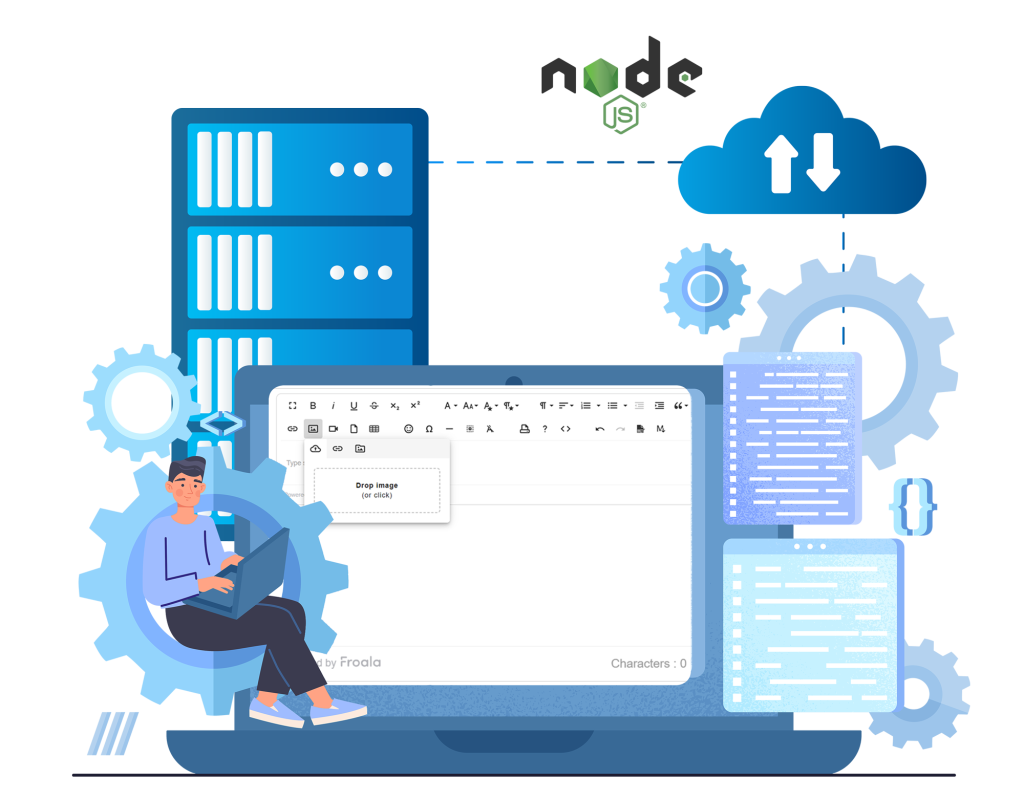
Handle uploads on your server and let multiple people edit the same document at once, live, with comments and version history built in. Use Froala's Node.js SDK to streamline your workflow, saving you time and frustration.

Node.JS WYSIWYG editor
240+

API Options

40+

Plugins

100+

API Events

5000+

Github Stars

220+

API Methods

90,000+

Weekly Downloads

40+

Plugins

5000+

Github Stars

240+

API Option

100+

API Events

220+

API Methods

Integrate With: Express framework Koa METEOR SAILS feathers LOOPBACK

See Froala in Action

Don't just take our word for it - try out Froala for yourself. Our interactive demo allows you to experience all the features and functionalities of our WYSIWYG editor firsthand. Edit and format text, insert images, videos, and tables, and see the changes in real-time.

Simplify Files Management in Your Node.js Server

Simplify file handling in your Node.js server with Froala's Node.js SDK. Its powerful tools and intuitive design streamline your workflow, saving you time and frustration.

Experience Seamless Integration

Integrating Froala Node.js SDK into your Node.js application is a breeze. With just a few lines of code, you can have the SDK installed and ready to use in your code. Store, remove, and server-side validate your images, videos, and files uploaded through Froala.

1
Install the Froala Editor SDK Node package

npm install wysiwyg-editor-node-sdk

2
Import the SDK in your app

const FroalaEditor = require('wysiwyg-editor-node-sdk')

// Pull out just the collaboration pieces you need.
const Collaborative    = FroalaEditor.Collaborative;    // the WebSocket relay
const CollabPersistence = FroalaEditor.CollabPersistence;  // saves comments + suggestions
const VersionControl   = FroalaEditor.VersionControl;    // saves version snapshots
const AsyncSave        = FroalaEditor.AsyncSave;      // saves the document itself

Froala Node.js SDK Features that Empower You


Real-Time Collaboration

Sync edits instantly across users with WebSocket-based live collaboration.


Version History

Save, restore, and compare named or auto-saved document snapshots.


Track-Change Suggestions

Let collaborators propose edits with full accept/reject control and threaded replies.


Role-Based Access

Control editing, suggesting, and viewing permissions per user with a single config option.


Inline Comments

Anchor comments to specific text, resolve threads, and mention collaborators by name.


Offline-First Mode

Run comments, suggestions, and version control without a live WebSocket connection.


Real-Time Collaboration

Sync edits instantly across users with WebSocket-based live collaboration.


Inline Comments

Anchor comments to specific text, resolve threads, and mention collaborators by name.


Role-Based Access

Control editing, suggesting, and viewing permissions per user with a single config option.


Track-Change Suggestions

Let collaborators propose edits with full accept/reject control and threaded replies.


Version History

Save, restore, and compare named or auto-saved document snapshots.


Offline-First Mode

Run comments, suggestions, and version control without a live WebSocket connection.

How the Collaboration Backend Works

The collaboration backend is split into four modules, exported from the package root. Use only what your integration requires — three of the four share a single Express app and SQLite file.

Module
Responsibility
Persistence
Collaborative
WebSocket relay. Broadcasts client messages to peers in the same docId. Protocol-agnostic — the server never parses message content.
None (in-memory for the life of the session)
CollabPersistence
REST endpoints for comments and track-change suggestions.
SQLite
VersionControl
REST endpoints for named/auto-saved document snapshots.
SQLite
AsyncSave
REST endpoints for the latest document content, used in offline/async mode.
SQLite

Frustrated with your current Node.js editor? Upgrade to Froala for a better experience.

Frequently Asked Questions

Absolutely! The Froala Editor can be integrated with Node.js applications using frameworks like Express.js.You’ll need to set up routes to handle editor content and include the Froala Editor’s static files in your project.

Security is crucial for file uploads. You can secure the upload process by implementing authentication checks before allowing uploads, and by validating the files on the server-side using the SDK’s validation methods.

You can update the editor’s content programmatically by using the editor instance’s methods, such as html.set to set new content or html.get to retrieve the current content.

Uploading files in Froala is a simple process, but you need to configure it correctly. Check out this guide before you start.

Of course! Take advantage of our free trial by download the Froala editor before buying. 

The trial is fully featured and for all functional purposes exactly the same as the licensed versions. However, you will notice a Froala attribution watermark and red ‘unlicensed’ banner that will be present on the editor until the purchase of a Froala license plan.

Real-time sync is optional. Leaving collabConfig.realTime.syncUrl configuration unset switches the plugin to asynchronous mode, where AsyncSave, CollabPersistence, and VersionControl handle content, comments, and versions entirely through REST, no persistent WebSocket connection required.

SQLite, via better-sqlite3. It’s a standard dependency installed automatically with the SDK, and each module (CollabPersistence, VersionControl, AsyncSave) initializes its own tables on first use. All three can share a single .db file.

The WebSocket relay is framework-agnostic. attachToServer() takes any Node http.Server, regardless of what’s wrapping it. The REST modules are not: CollabPersistence.attachRoutes(), VersionControl.attachRoutes(), and AsyncSave.attachRoutes() all expect an Express app instance and register routes directly on it. If you’re on a non-Express framework, you’ll need an Express instance (or a compatible router) for the persistence layer, even if the framework itself handles everything else.

One Editor Fits All Node.js Projects

graphical user interface

Let Froala power your editing needs

Take your Node.js application to the next level with Froala's powerful WYSIWYG editor.
Unlimited users and developers no matter which plan you choose. For any questions, contact us or checkout our Help Center

G2's Top WYSIWYG Editor For Three Years In a Row

G2 Leader summer 2023
G2 Leader Fall 2023
G2 Leader winter 2023
G2 Leader spring_2024
G2 Leader summer 2024
G2 Leaded Fall 2024
G2 Leaded Winter 2024
Seraphinite AcceleratorOptimized by Seraphinite Accelerator
Turns on site high speed to be attractive for people and search engines.