Days
Hours
Minutes
Seconds
x

New Froala Editor v5.0.0 is here โ€“ Learn More

Skip to content
Froala Documentation

Migrate from Content Tools

Feature Matching


Distraction-free Editor

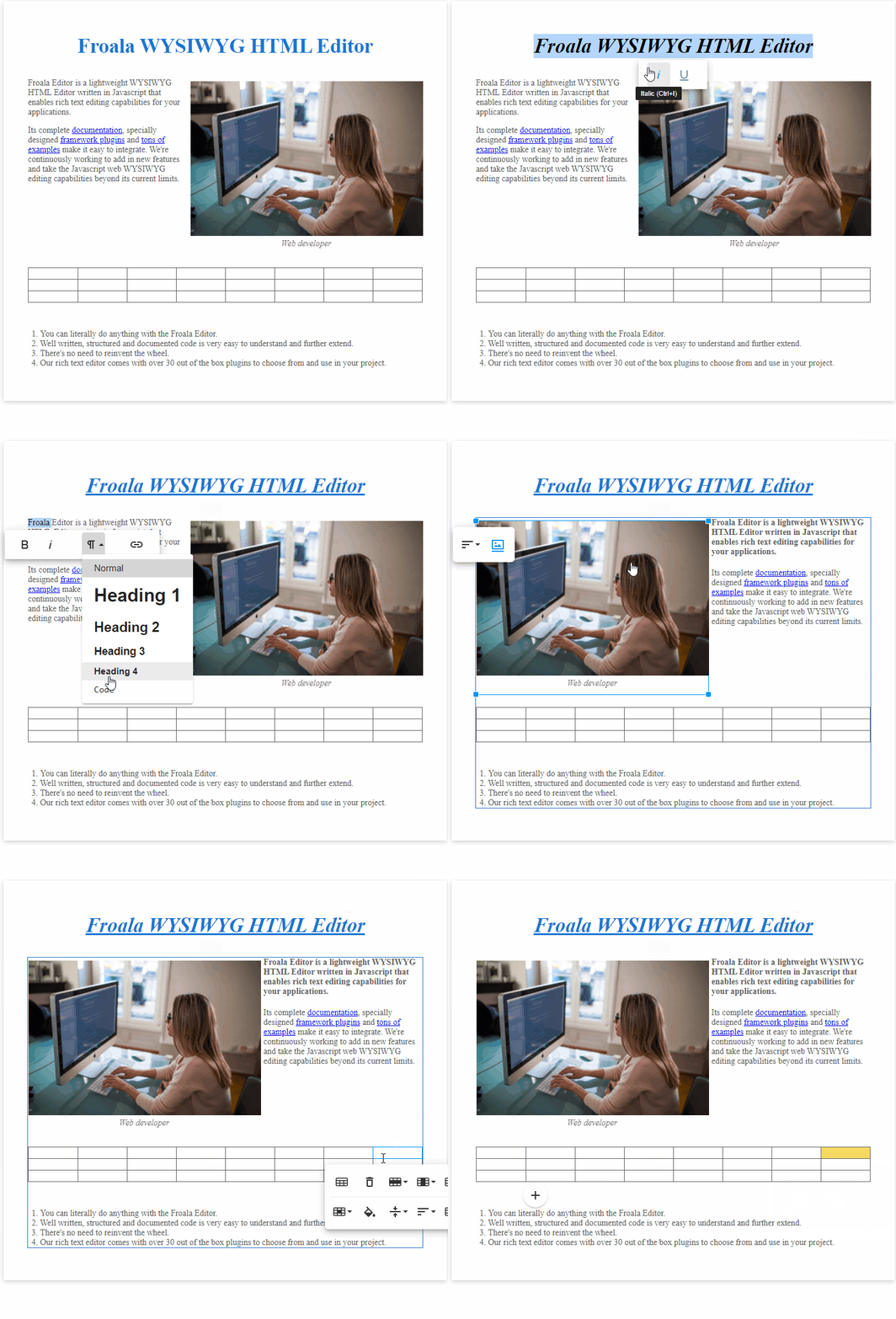
Froala editor also has an inline toolbar that enables convenient inline editing without any distractions.
example01

Live example (JSfiddle)


Image Upload

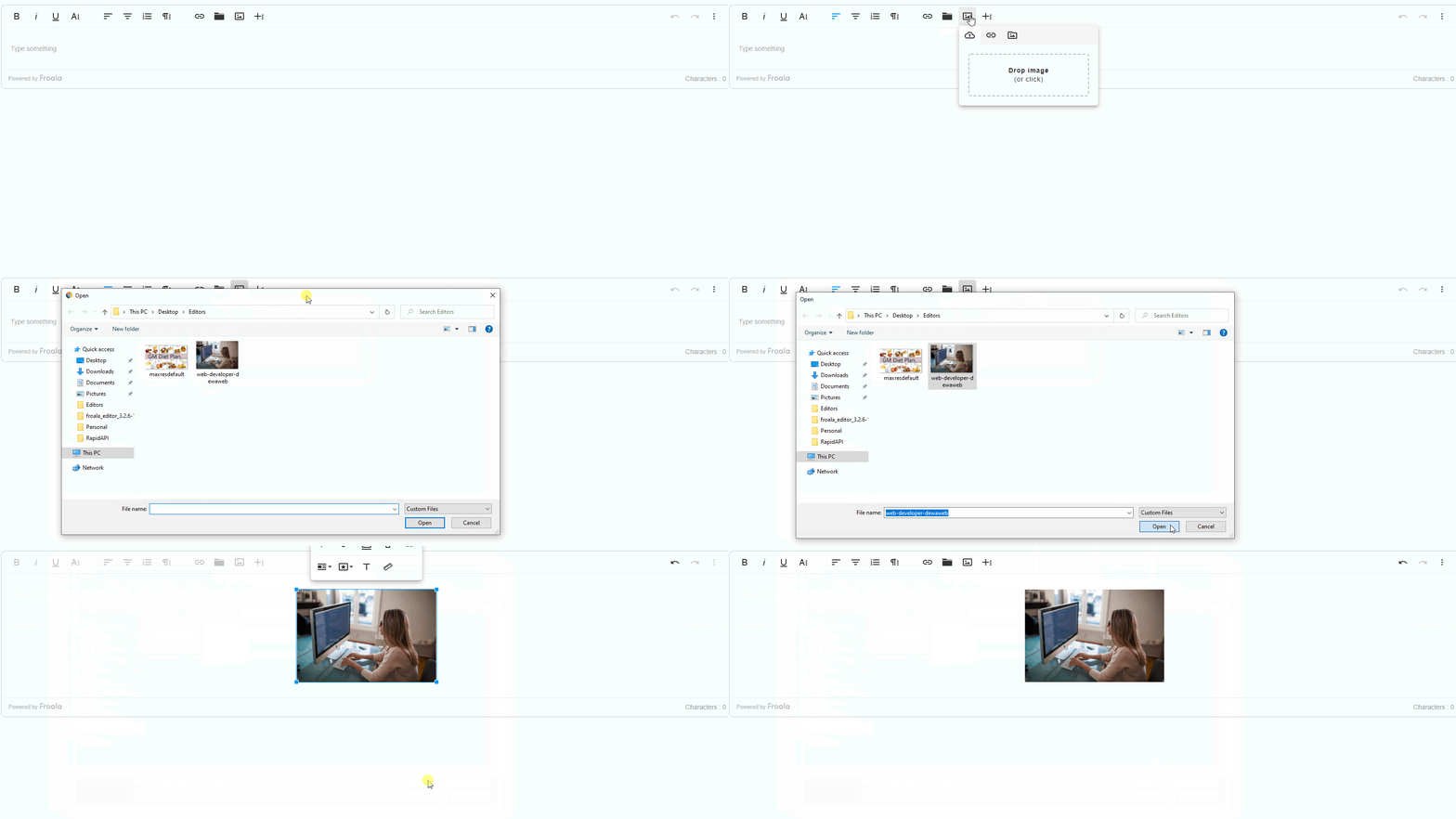
ContentTools provides a tool for uploading, rotating, and cropping images out of the box. Froala Editor allows uploading images from your device, dragging and dropping images, and allows uploading images through pasted URLs, You can also resize the image, set a predefined style, add image caption or edit it through an advanced image editor.

Image upload from your device
example02


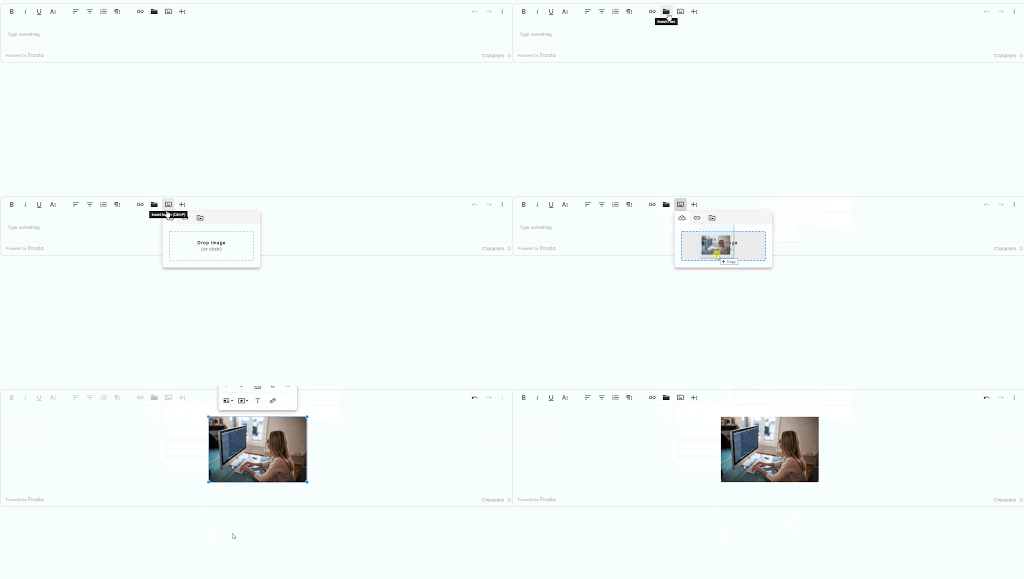
Drag and Drop Imager

example03


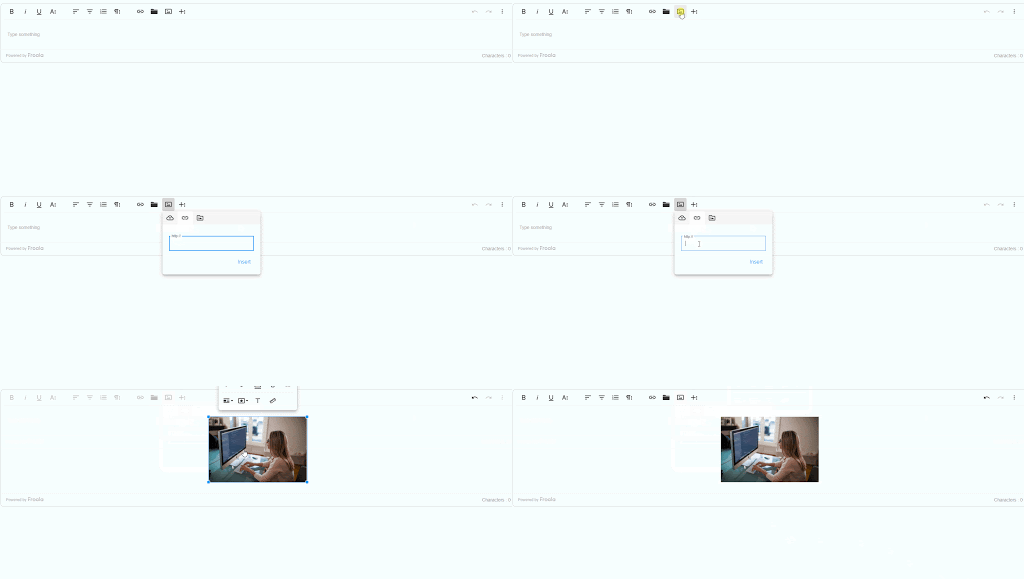
Upload Image From Pasted URL

example04

Live example (JSfiddle)


Custom Formats

As in ContentTools, Froala allows you to define custom formats and then apply them with a click of a button, such as 'Highlight' and 'Code' with Inline Classes and paragraph formatting with Paragraph Styles.
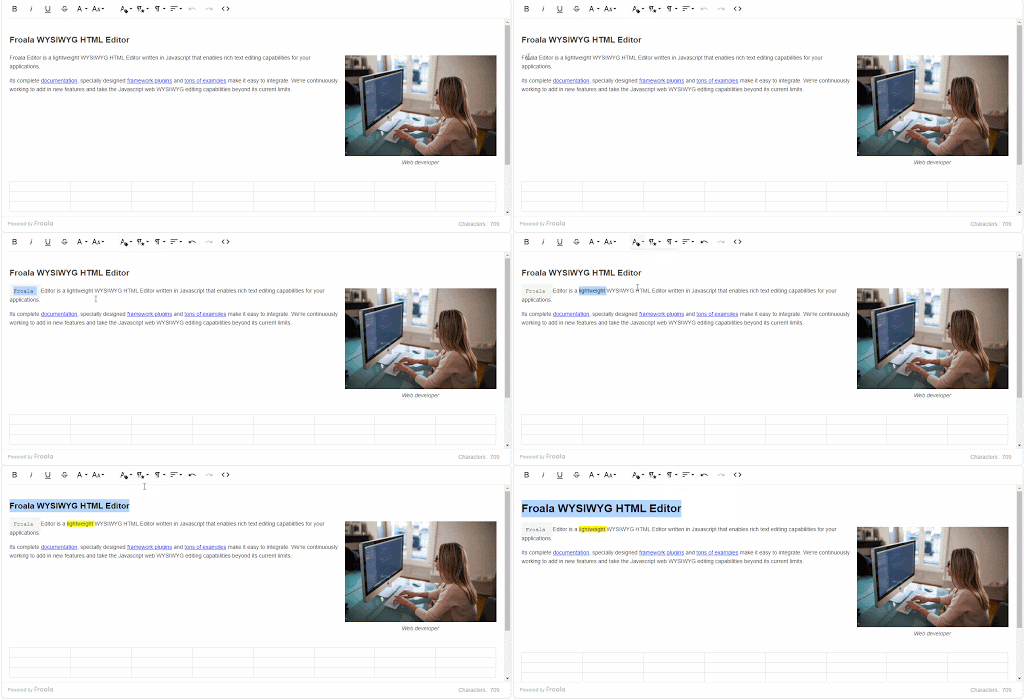

example05

Live example (JSfiddle)


Do you think we can improve this article? Let us know.

Sign up

Download the code by signing up for our newsletter

Sign up

Download the code by signing up for our newsletter

Note: By registering, you confirm that you agree to the processing of your personal data by Froala, Inc. - Froala as described in the Privacy Statement. Froala, Inc. - Froala is part of the Idera group and may share your information with its parent company Idera, Inc., and its affiliates. For further details on how your data is used, stored, and shared, please review our Privacy Statement.